
PromptSmart: the voice-activated teleprompter app, reviewed
For speakers, actors and creators reading a script on camera: PromptSmart's voice-activated teleprompter vs ClipEasy, coming soon, which follows your voice, then cuts, captions and cleans up your talking-to-camera videos.
Get early access Coming soon to iOS and Android
Edit up to 10 product videos at once
Add a video for each product and ClipEasy edits every one while you do something else. Join the waitlist to get it on launch day.
 PromptSmart
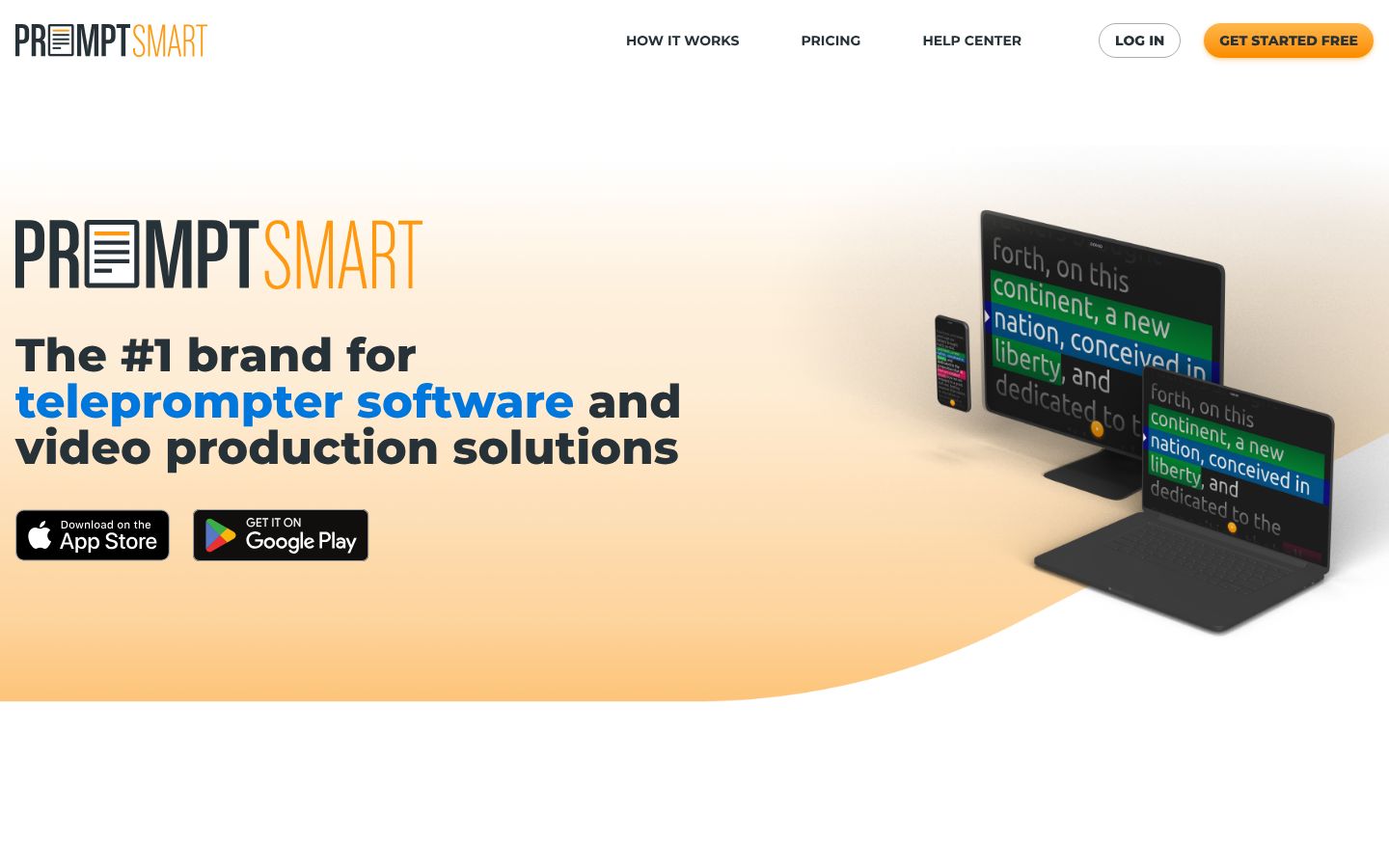
PromptSmart is a teleprompter app built around its patented VoiceTrack scrolling, which moves the script as you speak, stops when you pause or improvise, and resumes when you return to the script. Speech recognition runs on the device, without an internet connection. The PromptSmart+ app can record HD video while you read, and Selfie Mode places the text next to or beneath the front camera. It runs on iPhone, iPad and Android, with a Studio Edition for Windows and macOS and a web portal for editing scripts and running a remote control room. It markets to public speakers, clergy, educators, salespeople, actors, audiobook narrators and podcasters. Its listings describe reading and recording a script. They do not describe editing the recorded take.
Best for: Presenters, speakers and video creators who want a teleprompter that follows their voice while they read a script on camera, on a phone, tablet, computer or studio rig with two-way glass.
- VoiceTrack scrolls the script as you speak, stops when you pause or go off script, and waits for you to return
- Speech recognition runs on the device and works without an internet connection
- VoiceTrack works in 15 languages, including Spanish, French, German, Chinese (Mandarin), Japanese and Hindi
- Records HD video in the app while you read; Selfie Mode keeps the text next to the front camera
- Apps for iPhone, iPad and Android, plus a Studio Edition for Windows and macOS and a web script editor
- Imports DOCX, PDF (OCR-scanned), RTF, TXT and Google Docs scripts from Google Drive, Box, OneDrive, iCloud or Dropbox
PromptSmart plans: what each one includes a month, not just the price
| App | Plan | Price | Billing | Includes |
|---|---|---|---|---|
| PromptSmart | Starter Pack | $9.99/month | Monthly, or $99.99/year | One remote control session per account; one folder level; 7-day trial. iOS and Android PromptSmart+ apps, Studio Edition for Windows and macOS, web document editing and sync |
| PromptSmart | Team | $19.99/month | Monthly, or $199.99/year | Up to 10 nested folders; multiple Remote Control Room sessions. Everything in Starter, plus multiple browser-based Remote Control Room sessions and up to 10 nested folders |
| PromptSmart | Enterprise | Contact us | Contact us | Everything in Team, plus iOS mobile app management and an admin panel to add or remove sub-users, with no sub-user limit |
Prices as of 2026-11-07, from each app's own pricing page.
ClipEasy vs PromptSmart: the teleprompter and the edit, feature by feature
| Feature | ClipEasy | PromptSmart |
|---|---|---|
| Cuts dead air and pauses | Yes | — |
| Removes filler words | Yes | — |
| Removes retakes and false starts | Yes | — |
| Auto captions | Yes | — |
| Audio cleanup | Yes | — |
| Overlap audio blended across cuts | Yes | — |
| Tightens the opening | Yes | — |
| Edit it yourself after the AI edit | Yes | — |
| Edits several different videos at once | Up to 10 | — |
| Take stops on its own after the last line | Yes, three seconds after your last line | — |
| Cut checked against your script | Yes, keeps the take where you got each line right | — |
| Batch edits run while you do something else | Yes | — |
| Works without editing experience | Yes, ClipEasy does the cutting | — |
| Teleprompter that follows your voice | Yes | Yes |
| Film in the app or upload a take | Yes | Films in the app; upload not stated |
| iPhone app | Coming soon | Yes |
| Android app | Coming soon | Yes |
| Teleprompter keeps up if you skip a line | Yes, it finds your line, or you tap the next card | Limited |
| Script waits when you pause | Yes, each word fades as you say it | Yes |
| Ready to post on TikTok, Reels and Shorts | Yes, save it to your phone and post anywhere | Saves the raw recording to Photos |
- Take stops on its own after the last line: VoiceTrack keeps listening and scrolling until you close the presentation screen
- Teleprompter that follows your voice: VoiceTrack scrolls as you speak and stops when you pause or improvise
- Film in the app or upload a take: Records HD video in the app while presenting
- iPhone app: iPhone and iPad; iPhone 6S or newer, iOS 13 or newer
- Android app: PromptSmart+ on Google Play for phone and tablet
- Teleprompter keeps up if you skip a line: Holds your place when you go off script; a reviewer reports it caught up about 80% of the time
- Script waits when you pause: Stops when you pause and waits for you to begin speaking the script again
- Ready to post on TikTok, Reels and Shorts: Videos save only to your Photos app; no editing of the take is listed
PromptSmart's features, and what ClipEasy adds for talking-to-camera videos
A teleprompter that keeps up when you skip
ClipEasy's teleprompter follows your voice and keeps up if you skip a line. It finds your line, or you tap the next card. The take stops three seconds after your last line. Coming soon to iOS and Android.
ClipEasy edits the take, not just the read
ClipEasy cuts pauses, filler, retakes and false starts, adds captions, cleans the audio, blends it across each cut and tightens the opening. PromptSmart saves the raw recording to Photos.
Up to 10 videos edited at once
Film one scripted take per product. ClipEasy edits up to 10 different videos at once while you do something else, keeps the take where you got each line right, and lets you change anything in a few taps.
PromptSmart's VoiceTrack scrolling
VoiceTrack scrolls as you speak, stops when you pause or improvise, and resumes when you return. It runs on the device in 15 languages. A reviewer reports it caught up about 80% of the time after going off script.
HD recording and Selfie Mode
PromptSmart+ records HD video while you read, and Selfie Mode keeps the text beside the front camera. The app store listing recommends an external wired microphone with VoiceTrack.
Phone, desktop and studio glass
PromptSmart runs today on iPhone, iPad and Android, with a Studio Edition for Windows and macOS, text inversion for two-way glass and a web Remote Control Room.
PromptSmart: pros and cons
- Follows your voice like a voice-activated teleprompter, then edits the take: pauses, filler, retakes and false starts cut for you
- Captions, audio cleanup and overlap audio blended across each cut are part of the edit
- Keeps up if you skip a line, and stops the take three seconds after your last line
- Checks the cut against your script and keeps the take where you got each line right
- Edits up to 10 different videos at once, one per product, while you do something else
- Being built for iOS and Android, with no editing experience needed
- Not out yet: coming soon to iOS and Android, so there is a waitlist instead of an app you can use today
- Built for filmed talking-to-camera takes on your phone, not live speeches, studio glass or desktop prompting
Scripted videos ClipEasy will edit for you
Product videos in a batch
Give ClipEasy up to 10 raw takes, one for each product, and it edits every one of them while you do something else.
Talking-to-camera ads
Give ClipEasy a raw take with pauses and stumbles left in, and get back an ad with the mistakes cut, captions added and the opening tightened.
Testimonial-style videos
Talk naturally and start over when you need to. ClipEasy removes the retakes and false starts and blends the audio across each cut.
Scripted videos with the teleprompter
Bring your script and read it into the lens. The teleprompter follows your voice, and ClipEasy keeps the take where you got each line right.
Unboxing and first impressions
Film your first reaction in one take. ClipEasy cuts the dead air and filler and adds captions, so the video is ready to post.
Reviews filmed in one go
Record the whole review without stopping. ClipEasy cuts the pauses and false starts and cleans up the audio, and you can adjust anything in a few taps.
What PromptSmart users report
Charged for a full month, access cut after 7 days, zero support respons
“Paid for a month-to-month subscription and my credit card was charged the full monthly amount. After only 7 days the subscription expired and the app stopped working completely. I am paying for a product I cannot use. I submitted a detailed support request from inside the app and have also sent emails. It has now been 3 days with absolutely no reply from anyone. This is unacceptable. I spent money expecting a working service for the full month I paid for, and instead I got cut off early with complete silence from customer support. Very poor experience.”
“I canceled my trial before it ended on June 9, but they still charged me. That’s just wrong. What’s the point of a free trial if you take money anyway? I’m really annoyed. I tried contacting support and didn’t get any real help. This feels like a scam. Don’t trust this service. Bad experience.”
“This company may be scamming people because there is now way to cancel your subscription”
Questions people ask
Which is better for talking-to-camera videos, PromptSmart or ClipEasy?
ClipEasy, once it launches, if you want a video ready to post and not just a raw read. Both use a teleprompter that follows your voice. ClipEasy finds your line if you skip one, where a reviewer reports PromptSmart caught up about 80% of the time after going off script. ClipEasy then stops the take three seconds after your last line, cuts the mistakes, adds captions and cleans the audio. PromptSmart suits live speeches, studio glass, or anyone who needs a teleprompter app today.
Is ClipEasy a voice-activated teleprompter app like PromptSmart?
Yes. ClipEasy's teleprompter follows your voice, waits when you pause and keeps up if you skip a line. It then edits the take, keeping the version where you got each line right, and it is coming soon to iOS and Android.
Does PromptSmart edit the video after you record it?
Its listings do not describe editing the recorded take. They describe a teleprompter and recorder, and the video saves to your Photos app as a raw recording. ClipEasy does that edit for you: pauses, filler, retakes and false starts cut, captions added, audio cleaned and the opening tightened.
How much do PromptSmart and ClipEasy cost?
PromptSmart Starter Pack is $9.99 a month, or $99.99 a year (about $8.33 a month), and Team is $19.99 a month, or $199.99 a year (about $16.67 a month), with no video limit stated and Enterprise priced on request. Reviewers report charges after cancelling the trial and unexpected yearly billing, so check the billing period first. ClipEasy will have 3 plans, between $15 and $60 a month, coming soon; plan names and exact prices are not decided yet.
When will ClipEasy be available on iPhone and Android?
ClipEasy is coming soon to both iPhone and Android. Join the waitlist to get early access when it launches.
Why choose ClipEasy over PromptSmart for brand videos?
Because ClipEasy does the edit a brand video needs after the read. Film one take per product, leave the stumbles in, and ClipEasy cuts them, adds captions, cleans the audio and edits up to 10 different videos at once while you do something else. Join the waitlist for early access.
Similar apps
ClipEasy vs PromptSmart
PromptSmart alternatives
CapCut: features, pricing and reviews
Opus Clip: features, pricing and reviews
Descript: features, pricing and reviews
Captions: features, pricing and reviews
Submagic: features, pricing and reviews
BIGVU: features, pricing and reviews
InShot: features, pricing and reviews
Videoleap: features, pricing and reviews
Splice: features, pricing and reviews
VN: features, pricing and reviews
Edits: features, pricing and reviews
Mimic: features, pricing and reviews
Mashcut: features, pricing and reviews
CutUGC: features, pricing and reviews
CutAI: features, pricing and reviews
BlitzCut: features, pricing and reviews
Teleprompter.com: features, pricing and reviews
Record it once. Post it in minutes.
Leave the stumbles in. ClipEasy cuts them out and adds captions, and you change anything in a few taps. Coming soon to iOS and Android.