
Opus Clip: AI video clipping for podcast clips and long videos
For podcasters, coaches and marketers who repurpose long videos: what Opus Clip does for podcast clips, what each plan includes, and where ClipEasy, coming soon, fits for one-take talking-to-camera videos.
Get early access Coming soon to iOS and Android
A teleprompter that follows your voice, built into the editor
No scroll speed to set, and the take stops on its own after your last line. ClipEasy then keeps the take where you got each line right.
 Opus Clip
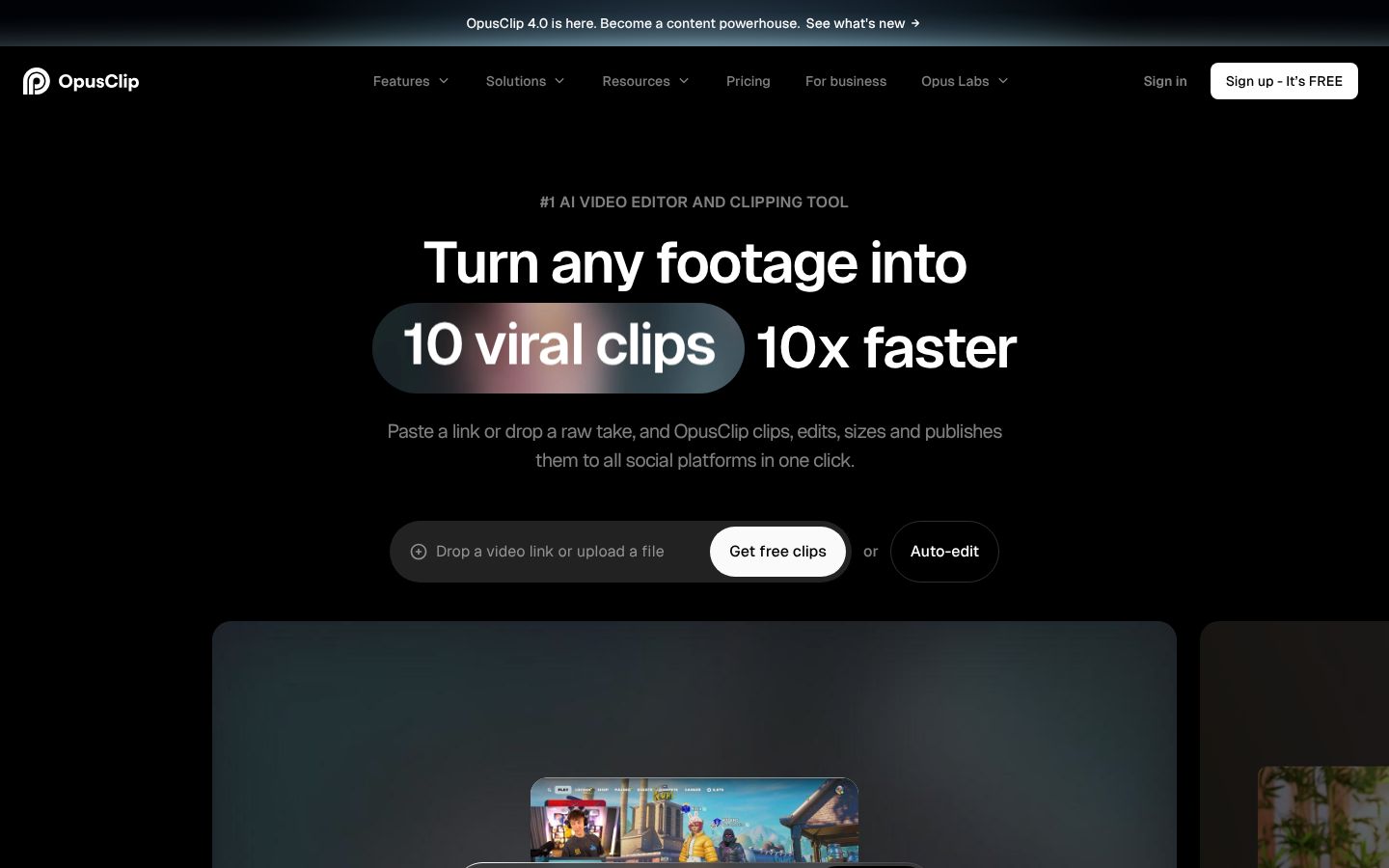
OpusClip is an AI video clipping and editing tool from Opusclip Inc. It takes a long video, such as a podcast, interview, vlog, stream or explainer, and has AI pick the strongest moments and cut them into short clips. It adds animated captions and reframes the clips for each platform. It runs as a web app with an API and as an iPhone app, which records or imports a long video, clips and captions it, and publishes to social platforms or saves to the camera roll. Higher tiers add brand templates, team workspaces, posting and scheduling, and export to Premiere Pro and DaVinci Resolve. The site says it is used by over 20 million creators and businesses.
Best for: Podcasters, creators, coaches and marketers who record long-form video and want many short clips cut from it for TikTok, Reels and Shorts.
- AI picks highlight moments from long videos and cuts them into short clips, across genres like vlogs, gaming, sports, interviews and explainers
- Auto captions with animated caption templates, emoji and keyword highlights, and multi-language transcription
- ReframeAnything resizes video for each platform and tracks moving subjects
- iPhone app records or imports a long video, clips and captions it, then publishes or saves to the camera roll
- Speech cleanup that removes pauses and filler words on the Starter plan
- Imports from YouTube and local files, plus Google Drive, Vimeo, Zoom, Rumble and StreamYard on Starter
What each Opus Clip plan includes, not just its price
| App | Plan | Price | Billing | Includes |
|---|---|---|---|---|
| Opus Clip | Free | $0 | Free forever | 60 processing minutes per month, AI captions with emojis and keyword highlighter, YouTube and local file import, 1 brand template; exports carry a watermark, 3-day export limit, up to 1080p |
| Opus Clip | Starter | $15/mo | Monthly | 9:16 only; 30-day export limit; media storage expires after 29 days; no bad-take removal or speech enhancement. 150 processing minutes per month, faster processing, watermark-free export |
| Opus Clip | Pro | $29/mo | Monthly (Pro Monthly 1 Pack $29.00 in the iPhone app) | Team workspace with 2 users per pack, up to 4; 100GB cloud storage. 300 processing minutes per month, 16:9, 1:1 and 9:16, export to Premiere Pro and DaVinci Resolve, scheduling |
| Opus Clip | Pro Yearly 1 Pack | $174.99/yr | Yearly, in-app purchase on iPhone | About $14.58 a month; Downgrading to Starter requires cancelling and resubscribing. Pro plan billed yearly; 3,600 processing minutes per year |
| Opus Clip | Business | On request | Contact sales | For organizations needing over 10 seats, large volume usage, custom solutions or API |
Prices as of 2026-11-07, from each app's own pricing page.
ClipEasy and Opus Clip, feature by feature
| Feature | ClipEasy | Opus Clip |
|---|---|---|
| Fixes overlapping audio | Yes | — |
| Tightens the opening | Yes | — |
| Edits several different videos at once | Up to 10 | — |
| Teleprompter that follows your voice | Yes | — |
| Android app | Coming soon | — |
| No scroll speed to set | Yes, the script follows your voice and waits when you pause | — |
| Teleprompter keeps up if you skip a line | Yes, it finds your line, or tap the next card | — |
| Take stops on its own | Yes, three seconds after your last line | — |
| Cut checked against your script | Yes, keeps the take where you got each line right | — |
| Batch edits run while you do something else | Yes | — |
| Cuts dead air and pauses | Yes | On Starter; not on Free |
| Removes filler words | Yes | On Starter; not on Free |
| Removes retakes and false starts | Yes | Not on Free or Starter |
| Auto captions | Yes | Yes |
| Audio cleanup | Yes | Not on Free or Starter |
| Edit it yourself after the AI edit | Yes, in a few taps | Limited: no text or timeline editing on Free |
| Film in the app or upload a take | Yes, both | Yes, record or upload in the iPhone app |
| iPhone app | Coming soon | Yes |
| Works without editing experience | Yes, ClipEasy does the cutting | Yes |
| Save to phone and post anywhere | Yes, TikTok, Reels, Shorts or anywhere else | Yes |
- Cuts dead air and pauses: Speech cleanup (pause and filler removal) is checked on Starter and missing on Free
- Removes filler words: Speech cleanup (pause and filler removal) is checked on Starter and missing on Free
- Removes retakes and false starts: Speech cleanup (bad takes removal) is listed but not included on Free or Starter
- Auto captions: Auto-clips and captions; animated caption templates; Free captions carry a watermark
- Audio cleanup: Speech enhancement is listed but not included on Free or Starter
- Edit it yourself after the AI edit: Text and timeline-based editing is checked on Starter, missing on Free
- Film in the app or upload a take: "Just drop or record a long video"
- iPhone app: Requires iOS 16.0 or later
- Works without editing experience: A reviewer with zero editing experience reports cutting clips easily
- Save to phone and post anywhere: Publish to major platforms or save to camera roll; reviewers report slow downloads to the phone
What Opus Clip does, and where ClipEasy differs
AI video clipping from long recordings
Drop in a podcast, interview, stream or talk. Opus Clip's AI picks the strongest moments and cuts them into short clips. This is its core job, and ClipEasy does not do it.
Animated captions
Auto captions with animated templates, emoji and keyword highlights, and multi-language transcription. Exports on the Free plan carry a watermark.
Reframing for each platform
ReframeAnything resizes clips and tracks moving subjects. Starter clips are 9:16 only. 16:9 and 1:1 need Pro at $29 a month.
Speech cleanup from Starter up
Pause and filler removal starts on Starter at $15 a month. Bad-take removal and speech enhancement are listed but not included on Free or Starter.
Web and iPhone app
It runs on the web with an API, and as an iPhone app on iOS 16 or later. Reviewers report the mobile app is slow. One waited 15 minutes for a 19-second clip.
Posting, templates and teams
Higher tiers add brand templates, scheduling, team workspaces and export to Premiere Pro and DaVinci Resolve.
Where ClipEasy differs
ClipEasy starts from one raw talking-to-camera take. It cuts pauses, filler, retakes and false starts, adds captions, cleans the audio and tightens the opening, for up to 10 videos at once. Coming soon.
Opus Clip: pros and cons
- AI picks highlight moments from long videos and cuts them into many short clips
- Animated captions, emoji and keyword highlights, and reframing that tracks moving subjects
- Available today on the web and as an iPhone app
- A Free plan at $0 a month with 60 processing minutes, so you can test the clipping
- Pro adds scheduling, team workspaces and export to Premiere Pro and DaVinci Resolve
- Built to turn long videos into many clips, not to edit one raw talking-to-camera take into one finished video
- Free exports carry a watermark, top out at 1080p, have a 3-day export limit, and media expires after 3 days
- Pause and filler removal is not on Free. Bad-take removal and speech enhancement are not on Free or Starter
- Capped by processing minutes: 60 a month on Free, 150 on Starter, 300 on Pro
- Starter is 9:16 only, and Starter media storage expires after 29 days
- Reviewers report a slow mobile app, slow support replies, and being charged after a trial ended
What ClipEasy is built for: one raw take, one finished video
Product videos in a batch
Add up to 10 raw takes, one for each product, and ClipEasy edits every one of them while you do something else.
Talking-to-camera ads
Give ClipEasy a raw take with pauses and stumbles left in, and get back a cut, captioned ad with clean audio and a tighter opening.
Testimonial-style videos
Talk naturally and start over when you need to. ClipEasy removes the retakes, false starts and filler and adds captions.
Scripted videos with the teleprompter
Bring your script and read it into the lens. The teleprompter follows your voice, and ClipEasy keeps the take where you got each line right.
Unboxing and first impressions
Film your first reaction in one raw take. ClipEasy cuts the dead air and awkward moments and adds captions so it is ready to post.
Reviews filmed in one take
Record your review in one go, pauses and all. ClipEasy trims the silences and filler, cleans up the audio and tightens the opening.
Questions people ask
What is OpusClip?
Opus Clip is an AI video clipping tool from Opusclip Inc. It cuts long videos such as podcasts and interviews into short captioned clips for TikTok, Reels and Shorts. ClipEasy, coming soon, does a different job: it edits one raw talking-to-camera take into one finished video.
Is OpusClip legal to use?
Opus Clip is a commercial app sold on the web and in the App Store. Whether you can clip a given video depends on your rights to that footage, so check Opus Clip's own terms of service before you post.
Is Opus Clip or ClipEasy better for podcast clips and repurposing long videos?
Opus Clip is the right pick for podcast clips and repurposing long videos. Clipping a long recording into many short clips is its core job, and ClipEasy does not do it. ClipEasy is built for one-take talking-to-camera videos for brands.
How much do Opus Clip and ClipEasy cost, and what do their plans include?
Opus Clip Free is $0 a month for 60 processing minutes, with watermarked exports. Starter is $15 a month for 150 minutes in 9:16 only. Pro is $29 a month for 300 minutes, and Pro Yearly is $174.99 a year, about $14.58 a month. ClipEasy will have 3 plans, between $15 and $60 a month. It is coming soon, and plan names and exact prices are not decided. The pricing table shows what each plan includes.
When will ClipEasy be available on iOS and Android?
ClipEasy is coming soon to both iOS and Android. The waitlist on clipeasy.app gets early access. Opus Clip is available today on the web and iPhone.
Why choose ClipEasy over Opus Clip for talking-to-camera videos for brands?
ClipEasy is built for that job. From one raw take, it cuts pauses, filler, retakes and false starts, adds captions, cleans the audio and tightens the opening, for up to 10 product videos at once. Opus Clip is built to clip long videos, and it does not include bad-take removal or speech enhancement on Free or Starter.
Similar apps
ClipEasy vs Opus Clip
Opus Clip alternatives
CapCut: features, pricing and reviews
Descript: features, pricing and reviews
Captions: features, pricing and reviews
Submagic: features, pricing and reviews
BIGVU: features, pricing and reviews
InShot: features, pricing and reviews
Videoleap: features, pricing and reviews
Splice: features, pricing and reviews
VN: features, pricing and reviews
Edits: features, pricing and reviews
Mimic: features, pricing and reviews
Mashcut: features, pricing and reviews
CutUGC: features, pricing and reviews
CutAI: features, pricing and reviews
PromptSmart: features, pricing and reviews
BlitzCut: features, pricing and reviews
Teleprompter.com: features, pricing and reviews
Weighing Opus Clip? ClipEasy cuts your retakes for you
Film or upload a raw take and ClipEasy cuts the dead air, filler and false starts, then adds captions. Coming soon to iOS and Android.