
 ClipEasy team · 2026-11-08 · 13 min read
For most people, how to become a full time creator means running a small video business around a job. That business gets paid for its work before it gets paid for its reach, so the early goal is a fee for one video, not a pile of views. Most of the weekly hours go into editing, which is why we make ClipEasy, a phone editor for talking-to-camera takes that is coming soon.
Note: How we researched this. We read 14 Reddit posts where a creator described their first paid income and said how many followers they had at the time, then 5 full-year, month-by-month income reports from creators who say creating is their full-time income. Both samples are small and self-selected, because people post when they get paid and stay quiet when they don't. Tool and kit prices come from each vendor's own pages, checked in November 2026.
How to become a full time creator in 7 steps
Going full time takes seven steps, and you do most of them while you still have a job:
Pick a niche.
Choose one main platform.
Learn who you're making videos for.
Plan a simple content system.
Post on a schedule you can keep.
Talk to your viewers.
Add income before you quit.
Where you start decides which steps go fast. A trade like accounting or nursing gives you a topic and something to sell early. A following elsewhere gives you people to tell.
Neither one shortens what everyone has to learn: writing hooks, talking to a lens and finding the weekly hours.
1. Pick a niche you could make 100 videos about
List 100 video ideas on one topic. If you stall at 30, the topic is too thin to carry two posts a week for a year. The test costs you one evening.
A clear topic lets a brand see what you'd be good for. The cost is that you'll narrow it again once comments show what people actually want.
2. Choose one main platform
Pick the platform you already watch most, because you already know its pacing, and put all your filming into it. Becoming a creator on TikTok follows this same route if TikTok is what you scroll. YouTube long-form keeps getting found through search for years. TikTok, Reels and Shorts tell you faster whether a hook works, but each video's views fade quickly.
One platform means one set of risks. We'd still wait until it pays before making versions for other apps. Two platforms on 10 hours a week means doing neither well.
3. Learn exactly who you're making videos for
Write one sentence that says who your viewers are, what they're stuck on, and what they'll do after watching. A video for 'people into fitness' has no obvious hook. A video for 'a night-shift nurse who wants a 20 minute workout' practically writes its own first line. This step is free, and your first sentence will probably be wrong, because step six corrects it.
4. Plan a simple content system
Keep a running idea list, outline each video in bullet points, and film several videos on one day. Jenna Hong is a corporate accountant who has posted 600+ videos over five years around her job. She alternates sit-down videos with vlogs. Sit-downs need heavy prep and a fast edit, vlogs need light prep and a heavy edit, so no week needs both.
5. Post on a schedule you can keep
Set your posting count by your worst work week, not your best. Creators who kept posting for over a year around a 40-hour job say they found 8 to 12 hours a week. That buys one long video or two to three shorts. Book fixed slots, like filming Tuesday and Thursday from 6:30 to 8 am and editing Saturday morning.
Plan one lighter week a month. Jenna Hong drops from two uploads to one in a planned week each month, so overtime never breaks the streak.
Save 15 to 20+ hours a week for after you set a quit date. One of those creators burned out posting daily around a telesales job. Start at two shorts a week instead: enough to learn from, and it survives a bad week.
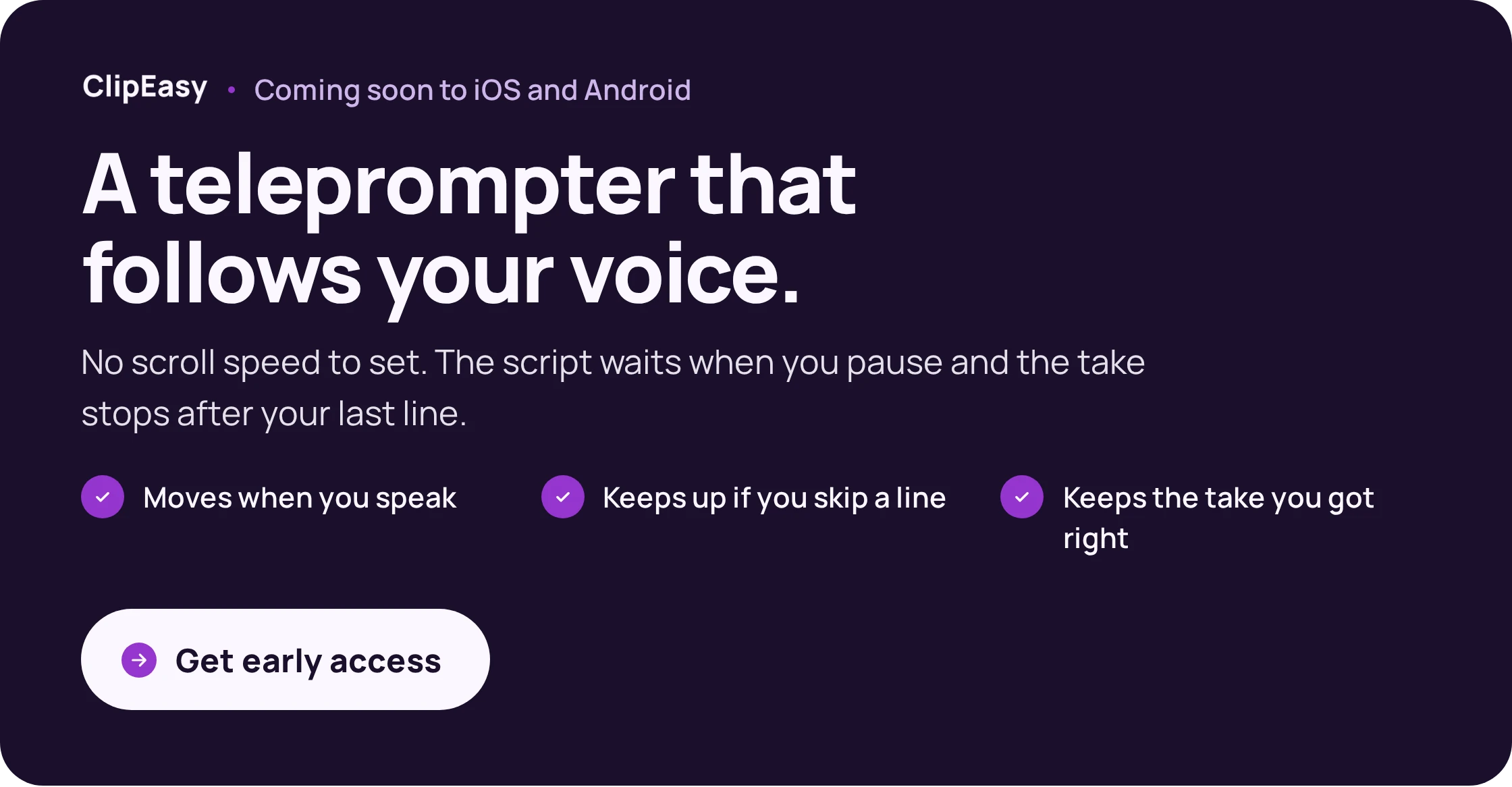
Leave the stumbles in when you film and keep talking after a fumble, because removing them is editing work and shouldn't eat your filming time. ClipEasy (coming soon) takes those raw takes, cuts the pauses and retakes and adds captions, so your Saturday block goes on checking each short and posting it. If a script helps you get through a take in one go, the teleprompter apps that follow your voice work today.
6. Talk to your audience
Reply to comments, and when a question comes up twice, make it next week's video. A repeated question is the cheapest audience research you'll get, and it fixes the guess you made in step three. Budget 20 minutes after each post, inside your weekly hours.
7. Add income streams before you quit
Start earning while your job still pays the rent. Only 7 of our 14 first-income posts gave dates, and in those the wait from first post to first payment had a median of six months. Expect that payment to be a fee for a video, not a payout for views.
In short:
Pick one topic and one platform, and give them 8 to 12 hours a week.
Start at two shorts a week, with one lighter week a month.
Let questions that repeat in the comments pick your next videos.
Aim for a fee for a video first, which came a median of six months in for the posters who gave dates.
How ClipEasy cuts your talking-to-camera takes so you can post more often
To edit talking-to-camera videos faster, stop doing the cutting yourself. Creators who timed themselves put a polished 30 to 60 second short at 2.5 to 4.5 hours. Editing took 1.5 to 3 or more of those hours.
Most of that is mechanical. You scrub for false starts and cut dead air, the job apps that remove pauses and filler words automate, then fix captions, which auto caption apps handle. One UGC creator with over 100 brand deals described cutting pauses as a chore on every single video.
That mechanical cutting is the job ClipEasy does. You bring a take with the stumbles left in, or up to 10 takes at once. Each one comes back with the dead air, filler, retakes and false starts cut. Captions are added, the audio is cleaned and the opening is tightened.
From there you check the edit, change any cut in a few taps, save the video and post it. ClipEasy is coming soon to iOS and Android, with three plans between $15 and $60 a month. You can get early access to ClipEasy for launch and keep editing in CapCut until then.
CapCut is what works today, while ClipEasy is still coming soon. Its free version means cutting your takes by hand. CapCut Pro adds one-click silence removal and auto-captions. Pay for it if you want some of that cutting automated before ClipEasy launches.
Editor | Cuts pauses and retakes for you | Auto-captions | Where free stops | Price | Usable today |
|---|---|---|---|---|---|
ClipEasy | Yes: dead air, filler, retakes, false starts | Yes | No free plan | 3 plans, $15 to $60 a month | No, coming soon on iOS and Android |
CapCut Free | No, you cut by hand | No, it's a Pro feature | 1080p, no watermark if you delete the outro and skip Pro features | Free | Yes |
CapCut Pro | One-click silence removal | Yes | n/a | $9.99 a month mobile, $19.99 desktop or web | Yes |
Captions | AI editing on paid plans only | Paid plans | Free plan has no AI credits | From $24.99 a month | Yes |
Where each phone editor stops doing the cutting for you. ClipEasy is coming soon, and CapCut is what to use today. Prices are from each vendor's own pages, November 2026.
ClipEasy only edits your own footage. It doesn't write scripts, make AI actors or clip long videos into shorts. For a long-form channel heavy on B-roll, use a desktop editor such as Descript.
In short:
Editing takes most of a short's hours, and most of it is mechanical cutting.
ClipEasy cuts pauses, filler and retakes, adds captions and cleans audio, and is coming soon on iOS and Android.
Until then, use CapCut Free at two shorts a week and pay for Pro once you post more.
How do full time creators make money?
Full time creators rarely live on ad revenue alone. How content creators make money in practice is a mix of five sources:
brand deals
paid UGC (user-generated content: videos you film for a brand to run as its own ads)
affiliate links
platform payouts
their own products
At your size, the first money is usually a flat fee for work, which was true in 10 of the 14 self-reported first-income posts we read. We expected production work that needs no audience, but most of them (8 of the 14) were brands paying to post on the creator's own account. One came at just 1,600 followers, a £150 quote for one reel. The other 4 were per-view payouts, from 10 cents to $100.
We're guessing here, but a brand paying an account that small is probably buying the video and a cheap test rather than the reach. That's good news, because the video is the part you control. On TikTok and Instagram, small creators get paid the same way: a fee for a post or a file. For each platform's own payout programme, check its current terms.
Income stream | Audience needed | First payment seen | How steady |
|---|---|---|---|
UGC video for a brand | None | $50 for one creator's first job; 2 of our 14 accounts | Lumpy per video, steadier with retainers |
Sponsored post on your account | Small, seen from 1,600 followers | £150 to $1,500 flat fees in our accounts | One-off unless the brand rebooks |
Ad payouts | Large | 10 cents to $100 in our accounts | Follows your views and upload schedule |
Affiliate links | Grows with audience | None in our accounts; 3% of one creator's income at about 21k | Small at this size |
Memberships | Grows with audience | None in our accounts; 1% of one creator's income, then shut | Recurring, but needs upkeep |
What pays first depends on your size. In our 14 first-income accounts, flat fees for work outnumbered per-view payouts 10 to 4. The single-creator rows are Kamila's and Austen Tosone's own figures.
With no followers, sell the video
UGC needs no followers, because a brand hiring a UGC creator pays for the file, not the audience. Kamila (@contentwithcamila) was paid $50 for her first UGC job. By her first full-time year she charged two to three times that per video.
She then made about 18 videos in April and burned out by July. Three retainer clients, brands that book every month, steadied her income. We'd chase one retainer before more one-off videos, because a booked month does more for a quit plan than a busy one.
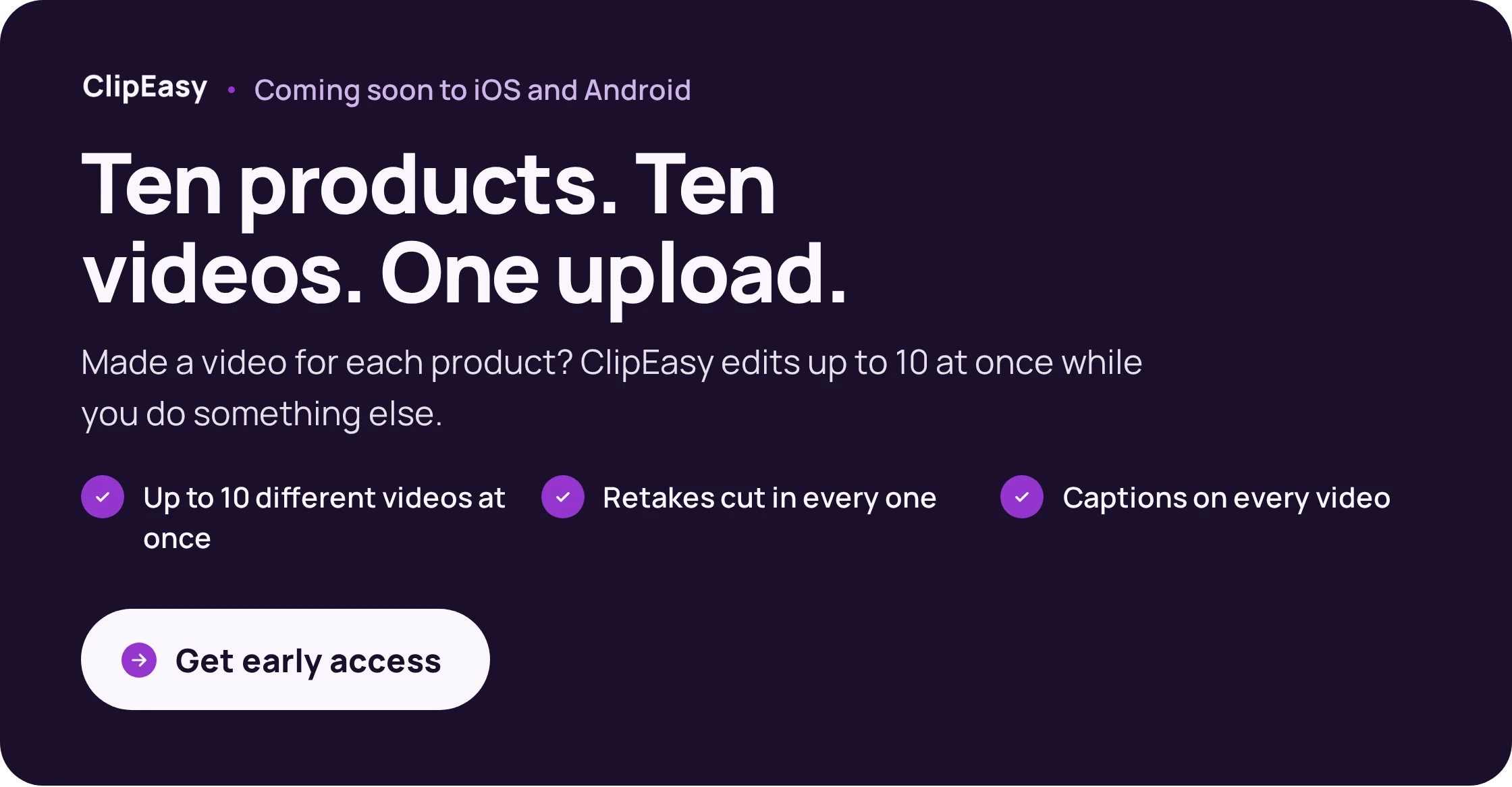
A retainer usually means a monthly batch of videos for one brand, one per product, and the editing piles up there. When ClipEasy launches, you bring up to 10 of those takes at once and each comes back cut and captioned for you to check and send; until then, compare the live batch product video editors and UGC editing apps.
As you grow, it stays work
Austen Tosone went full time at about 21k YouTube subscribers, and most of her income still came from work rather than views:
35% from brand deals
27% from freelance writing
12% from ads
1% from a membership, which she shut down because the upkeep wasn't worth it
In short:
Flat fees for work paid first in 10 of our 14 first-income accounts.
UGC needs no followers, and sponsored posts showed up at small follower counts too.
Per-view payouts paid first in only 4 of the 14, and the amounts were small.
One retainer steadies income more than many one-off videos.
How much do full time creators make, and how many views do you need?
No full time content creator salary is worth planning around. Most creators earn less than people assume. In a 2025 survey of over 3,000 creators, nearly 57% of full-time creators earned under $44,000 a year from content alone.
Ad money bunches at the top: AIR Media-Tech's study of 300 monetised YouTube channels found the top 10% took 58% of all ad revenue. Their median long-form RPM, what a channel earns per 1,000 views, was $2.30. The best niche, Education & Science, reached $10.22.
The views sum for $10,000 a month
To find the views you need, divide your monthly target by RPM and multiply by 1,000. For a $10,000 month that works out as:
Long-form at a $10 RPM: about 1 million views a month.
Long-form at the $2.30 median: about 4.35 million views a month.
Shorts at the $0.13 to $0.15 that vidIQ averaged across its own 160+ Shorts: about 66 to 77 million views a month.
Rerun it with your own target. We wouldn't build a quit plan on ad payouts at a small size. Even a $10 niche asks for a million views every month. A high-RPM niche raises the ceiling, but it guarantees nothing.
One creator's year shows how far apart the formats sit. Allie Ostrander reported $43,244 in 2025 YouTube ad revenue from long-form, at a $9.41 RPM. Her Shorts brought in $5,594.
In short:
Nearly 57% of full-time creators in one 2025 survey earned under $44,000 a year from content.
At the $2.30 median RPM, $10,000 a month takes about 4.35 million long-form views.
At a small size, plan on fees and products, not ad payouts.
When is it safe to quit your job to create full time?
Keep your job until two things are true. First, you hold 6 to 12 months of essential costs in cash you can reach. Second, your take-home creator income has covered those essentials for 3 to 6 months in a row, including your worst month. It's a rule of thumb from one creator's own quit rather than a guarantee, and it's the one we'd use before you quit your job to create content.
How long that takes varies too much to promise. In the self-reported posts we read, the typical first payment arrived around month six. The test then asks for months of repeat income on top, so you build it alongside the job.
We expected the worst month to be January, but in 5 full-year income reports from 3 creators the lows fell in December, January, June, July and April. In 4 of the 5 the creator blamed their own break or a missed upload, and smileycitrus put her December low down to two weeks off. Four of the five showed only YouTube ad income, so treat this as a hint. Count your own holidays as months that will come in short.
Run the test on what you take home, not what you invoice. Chelsea Callahan reported grossing $9,000 to $13,000 a month and keeping $5,100 to $6,300. Ask a local accountant what you should set aside.
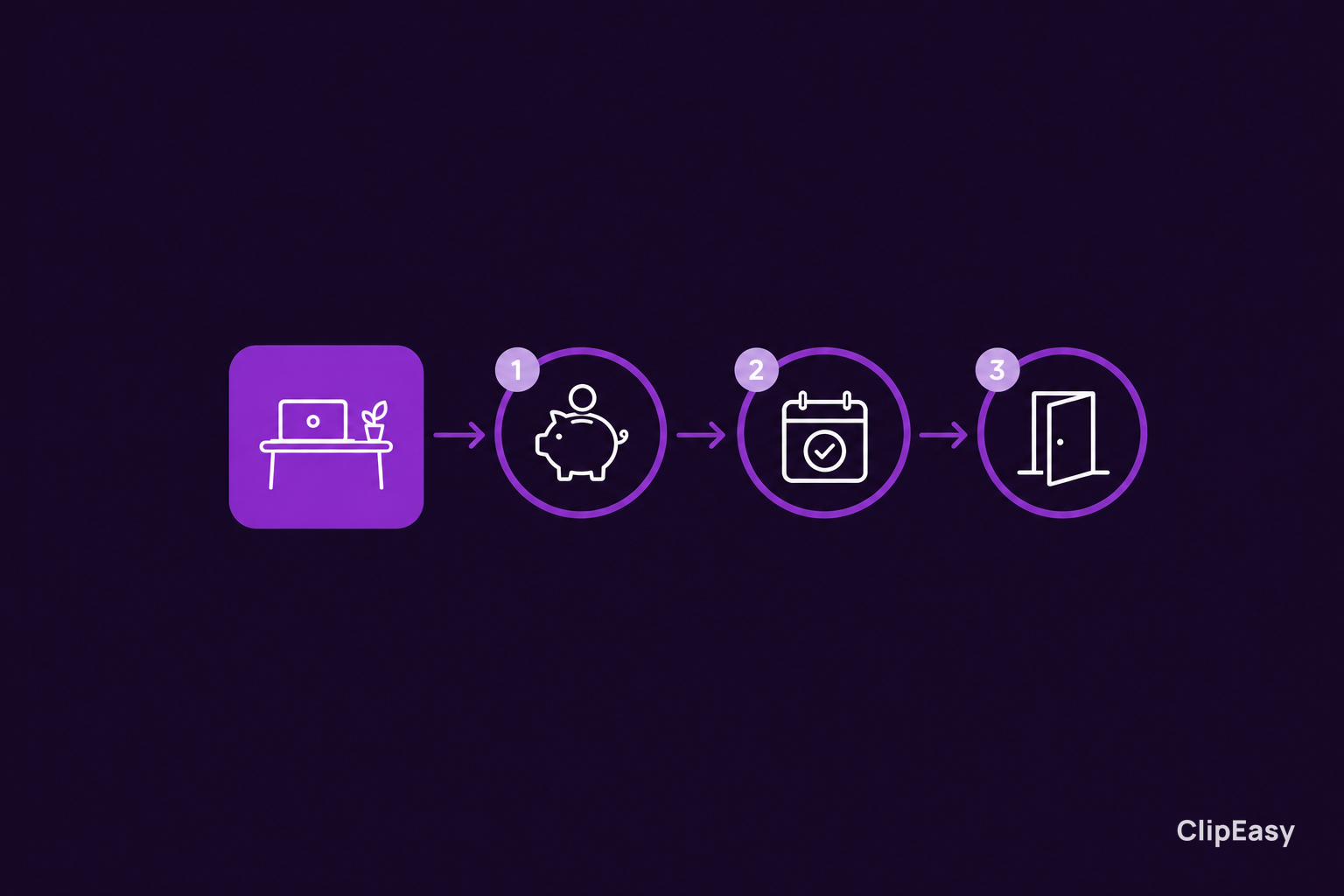
Add up your bare-bones monthly costs, including anything your job pays for now.
Divide the cash you can reach by that number. The result is your runway in months.
Write down a stop-loss date. That is the day you go back to work if creator income still falls short and your savings are down to three months of costs.
Ask about going part-time first if both checks only half pass. Fashion creator Hannah Lizzy halved her hours, kept that up for eight months, and then resigned.
In short:
Quit once take-home creator income has covered essentials for 3 to 6 months, worst month included.
Hold 6 to 12 months of essential costs in cash first.
Count your own holidays as short months, and set a stop-loss date.
Do you need an LLC, gear or experience to become a content creator?
No. You don't need an LLC, or any business set up, to post a first video, and you don't need experience either, because posting is how you get it. Once income starts repeating, ask a local accountant what applies to you. For kit and nerves, this is enough:
Use the phone you already have as the camera.
Spend on sound first. A wireless clip-on mic such as the DJI Mic Mini lists at $59 for one mic, and viewers forgive soft video sooner than muddy audio.
Face a window for light, and use a cheap tripod.
If you're awkward on camera, film one sentence per take, pause, then say the next one, and let the edit join the lines.
Joining those one-sentence takes is the edit, and it needs no editing experience when the app does the cutting. We make ClipEasy to cut the pauses and retakes between your lines, but it's coming soon. Today, pick one of the talking head video editors that work now, and put your first video in this week's filming block.
In short:
You don't need an LLC or experience to post your first video.
A phone, window light, a cheap tripod and a $59 clip-on mic are enough kit.
Ask a local accountant once income starts repeating.